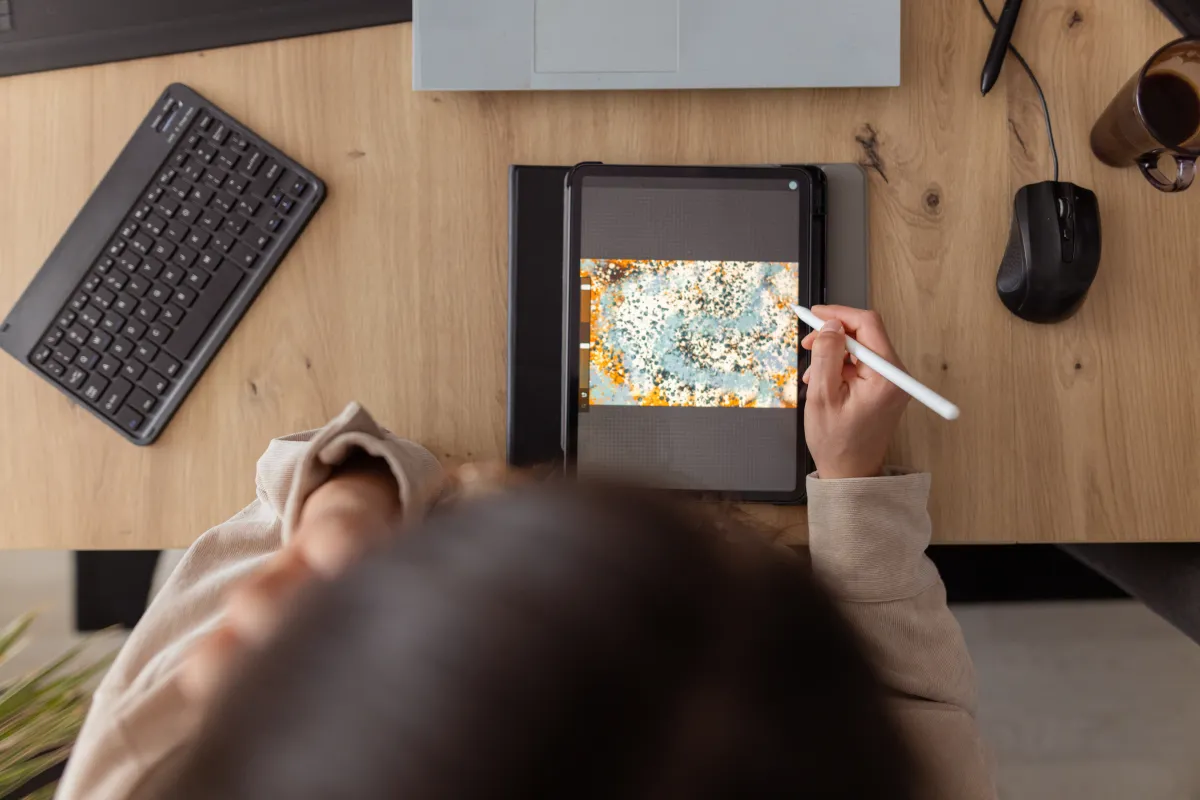
If you’re eager to unleash your creativity, several iPad apps can help you dive in. Initially, the iPad served primarily as a device for streaming content and browsing the internet, but Apple has transformed it into a powerful creative tool capable of facilitating digital art creation and video editing.
We’ve curated a selection of some of the most innovative iPad apps for creativity available on the App Store.
While many are familiar with Adobe’s suite of creative applications, this list emphasizes lesser-known apps that merit attention and exploration.
Lake
Creativity need not start with a blank canvas staring back at you. Lake adopts a more relaxed model, offering digital coloring opportunities with hand-drawn illustrations from independent artists, featuring a palette of over 700 colors and various brushes.
For those looking to let their creativity flow, Lake also allows users to draw on a blank canvas and maintain a coloring journal to jot down thoughts and inspirations.
This app is perfect for beginners exploring their creative sides or anyone seeking to unwind; artistic skill is not a prerequisite. Users are encouraged to express themselves freely without the worry of making mistakes.
Lake offers free access to a limited selection of illustrations, with the full archive available through a $9.99 monthly subscription.
Procreate

Procreate is widely regarded as one of the premier drawing apps for iPad, enabling users to create stunning digital paintings, sketches, and illustrations with an extensive array of brushes. Its user-friendly interface is complemented by built-in gesture controls, making it accessible for artists of all backgrounds.
Procreate supports high-resolution canvases up to 16K x 8K on compatible iPad Pro models. Features such as storyboarding, GIF creation, and simple animations are also included. Users can import various image formats, including JPG, PNG, and TIFF. Additionally, tools like QuickShape, StreamLine, and ColorDrop simplify the technical aspects of drawing, allowing you to focus on the creative process.
The app’s time-lapse “Replay” feature lets users relive their creative journey, providing a unique way to witness their artistic progress and share captivating 30-second clips on social media.
You can purchase Procreate for a one-time fee of $12.99.
LumaFusion

LumaFusion is an ideal video editing app for users looking to move beyond iMovie. The app offers an array of user-friendly features, making it suitable for aspiring videographers and independent filmmakers on a budget.
With LumaFusion, you can work with multiple layers in 4K ProRes and HDR formats, apply various effects, and select from dozens of transitions. It also supports voice-overs and the import of fonts and graphics. The app provides fine-tuning tools for audio, including Graphic EQ and Voice Isolation.
LumaFusion accommodates diverse aspect ratios and allows for project options such as 16:9 and 9:16, ensuring flexibility in presentation formats.
You can acquire LumaFusion for a one-time payment of $29.99, with additional features available for purchase, including multicam editing and Final Cut Pro project transfers.
Canva

Canva offers an intuitive platform that empowers users to produce visual content without prior design experience. You can craft everything from presentations to social media posts using over 250,000 templates.
This app includes tools for photo editing, content personalization with logos and images, and video enhancements like audio integration and speed adjustments.
Canva also features advanced AI functionalities to streamline the creation process. For example, “Magic Switch” allows you to extend images, while “Magic Media” helps turn concepts into visuals.
The app is free, but a $12.99 monthly subscription unlocks unlimited access to AI features, premium templates, and more.
Affinity Designer 2

Affinity Designer 2 merges vector design, pixel-based textures, and retouching in one powerful app, catering to professional illustrators, web designers, and game developers.
With customizable gesture controls and the ability to create your own fonts, users can zoom in for absolute precision, even up to 1,000,000%.
Affinity Designer 2 is available through a one-time purchase of $18.49.
Concepts

Concepts serves as an excellent platform for sketching ideas, making notes, or developing designs. This app provides a range of tools such as Nudge, Slice, and Select, which let users modify elements of their sketches without redrawing.
Realistic pens, pencils, and brushes in the app mimic the feel of traditional drawing tools and respond to pressure and tilt. Users also benefit from scale and measurement tools that assist with real-world dimensions and the user-friendly personalized tool wheel.
Concepts’ basic features are free, but for $4.99 monthly, you gain access to enhanced functionalities, such as custom brush creation and advanced editing tools.
Tayasui Sketches

Tayasui Sketches offers a user-friendly interface perfect for sketching and drawing. Its features include realistic watercolor and acrylic brushes, blending tools, and gradient options for achieving depth.
This app also supports multitasking, allowing users to drag layers and documents between applications. Tayasui Sketches has a “Zen Mode” feature, promoting a distraction-free creative environment.
Users can upload photos to incorporate into their artwork and save their creations in customized folders for easy organization.
The basic features of the app are free, while a $2.99 monthly subscription unlocks unlimited layers, new brushes, and additional features.
Dudel Draw

Dudel Draw distinguishes itself by encouraging creativity with a new shape provided daily, serving as a starting point for sketches and drawings.
The shapes vary from basic geometric figures to intricate designs, allowing users to explore creativity through the app’s “flip” and “rotate” features for different perspectives.
Dudel Draw also offers a social component, enabling users to compare their creations daily with friends, enhancing artistic skills while fostering friendly competition.
The app is available for free.
Sketchbook

Sketchbook is a straightforward application for sketching, painting, and drawing, designed to mimic the tactile experience of drawing on paper.
The app features a clean interface, allowing users to organize tools and palettes for an uncluttered drawing experience. Customizable brushes let users adjust their size, opacity, and flow, while the “predictive stroke” feature provides smoother lines.
Sketchbook is free to use, with premium features available via a one-time payment of $2.99. These premium features include importing additional brushes, adjusting canvas size dynamically, and exporting projects as PDFs.
This story was originally published in December 2024 and is regularly updated with new information.